
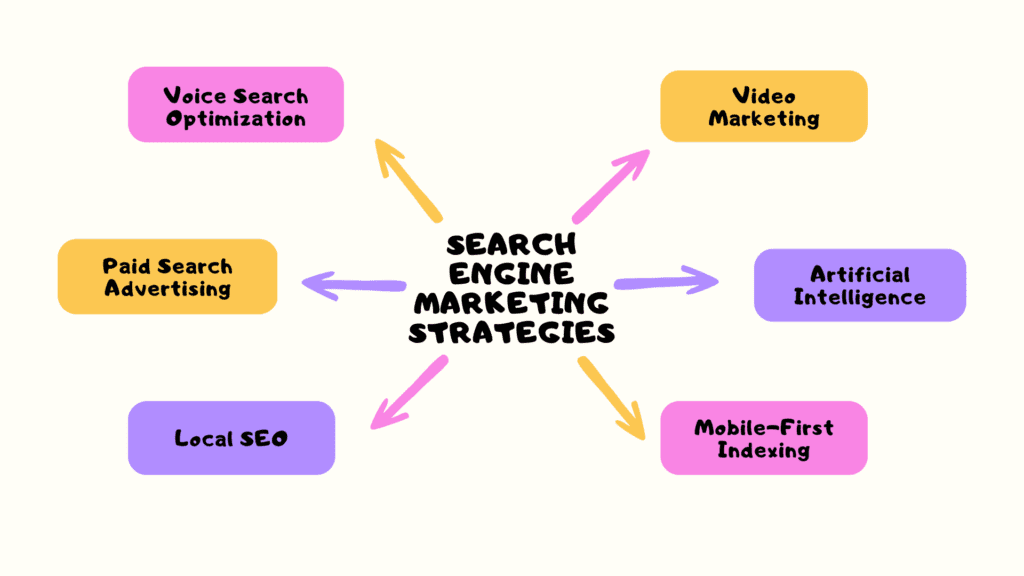
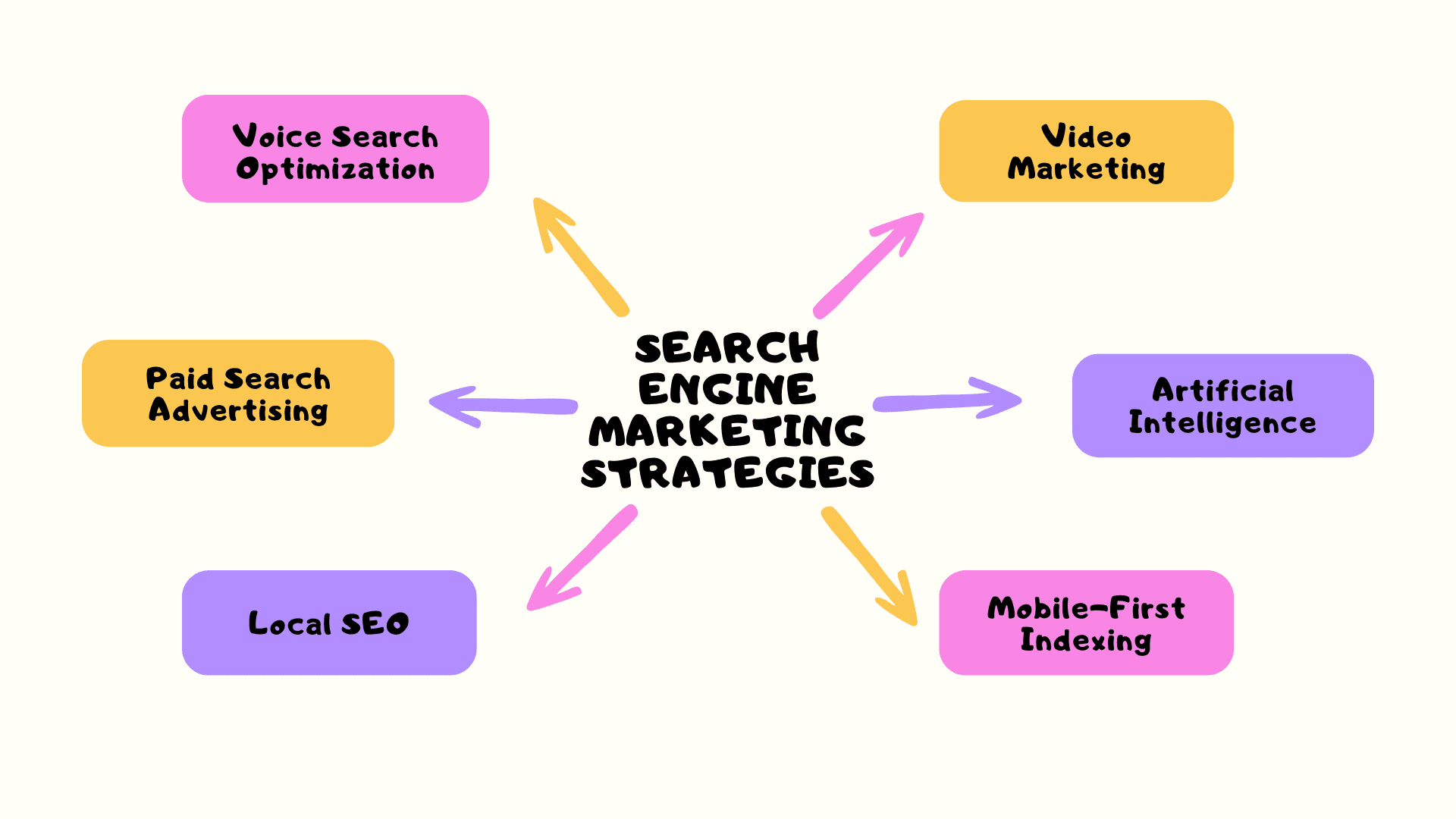
Google search campaigns are the heart of search engine marketing (SEM): you bid on keywords, and your text ads appear when people search for them. Search engine marketing strategies change every year, but in 2026 a few basics still decide who wins.
In this article, we’ll discuss the top 5 SEM strategies for Google search campaigns, followed by a simple setup checklist and the mistakes that waste money for Indian small businesses.
Strategy #1: Target Natural, Conversational Queries
People now search the way they speak, often on a phone or through a voice assistant. That means longer, natural phrases such as best tiffin service near me instead of one or two words.
In Google search campaigns, start with phrase match and exact match for your most valuable keywords, and add negative keywords such as free, jobs or course if you sell a product. Move to broad match only after conversion tracking works, because broad match relies on that data to find the right searches.
Strategy #2: Support Search Ads With Video
Video does not replace Google search campaigns, but it feeds them. A useful YouTube video or Reel creates interest, and many of those viewers later search for your brand name, which is usually your cheapest and best converting keyword.
Add a short demo video to your landing page as well. Visitors who arrive from paid search often decide faster when they can see the product in action.
Strategy #3: Use Google Ads AI Features Wisely
Google Ads now builds a lot of automation into search ads. Responsive search ads let you enter up to 15 headlines and 4 descriptions, and Google tests combinations to find what works.
In Google search campaigns, Smart Bidding strategies such as Maximize conversions, Target CPA and Target ROAS adjust bids for each auction using your conversion data. Automation still needs a human check, so read the search terms report every week and exclude irrelevant searches.
Strategy #4: Build Fast, Mobile Friendly Landing Pages
Most searches in India happen on phones, and Google now uses the mobile version of a website for indexing and ranking. For paid ads, landing page experience is also one part of Quality Score, along with expected click through rate and ad relevance.
Keep the landing page fast, show the price or offer near the top, and use one clear button such as Buy Now, Call or WhatsApp. A good page lowers your cost per result in Google search campaigns without raising your bids.
Strategy #5: Go Local With Location Targeting
Local SEO and local ads work together. If you serve one city or area, set your Google search campaigns to target only that location, link your Google Business Profile, and add location and call assets so people can find or phone you directly from the ad.
Keep your business name, address and phone number the same everywhere online, and collect genuine reviews. Local searches like near me often convert well because the person is ready to visit or buy.
How to Set Up Google Search Campaigns: A Simple Checklist
- Set up conversion tracking first, for purchases, leads, calls or WhatsApp clicks, so Google Ads knows what a good result is.
- Create one campaign per goal or product line, and keep each ad group focused on a small group of closely related keywords.
- Write at least one responsive search ad per ad group, with headlines that repeat the keyword, the benefit, the price or offer, and a call to action.
- Add sitelink, callout and call assets so your ad takes more space and answers questions before the click.
- Start with a small daily budget you are comfortable losing while you learn, then scale only the keywords that convert.
- Review the search terms report every week and add negative keywords.
Google’s own Google Ads Help Centre explains each setting in detail. It is worth reading before you put real money into Google search campaigns.
Common Mistakes in Google Search Campaigns
- Sending every ad to the home page instead of a page that matches the search.
- Running broad match without negative keywords or conversion tracking.
- Judging results after two or three days, before the campaign has enough data.
- Copying a competitor’s ad text instead of writing your own offer and benefits.
- Ignoring mobile, even though most clicks come from phones.
If you are new to paid ads and want a structured starting point, the Online Advertising for Start Ups guide walks through the basics of planning and budgeting online ads.
How Google Search Campaigns Are Structured
Before you build anything, it helps to understand the four layers inside a Google Ads account.
- Campaign: holds your budget, location, language and bidding strategy. Use one campaign per goal or product line.
- Ad group: a small set of closely related keywords and the ads written for them.
- Keywords: the searches you want your ads to appear for.
- Ads: the text people see, plus assets such as sitelinks, callouts and call buttons.
Keeping each ad group tight is the simplest way to make Google search campaigns relevant. When the keyword, the ad and the landing page all talk about the same thing, people click and convert more easily.
Step by Step: Launch Your First Google Search Campaigns
Here is a beginner friendly walkthrough. Exact screens change from time to time, so follow the current prompts in your account.
- Create a Google Ads account with the email you will use for the business, and set your country, time zone and currency carefully, because some of these cannot be changed later.
- Set up conversion tracking for your main action, such as a purchase, a lead form or a WhatsApp click, and test it.
- Create a new campaign, choose your goal and select Search as the campaign type.
- In network settings, decide whether to include the Display Network. Many beginners keep it off at first so the budget stays on search results.
- Choose your locations and languages. Target only the areas you can actually serve.
- Set a daily budget and a simple bidding strategy suited to your data.
- Create ad groups, add a short list of keywords to each, and add negative keywords.
- Write responsive search ads and add assets, then review everything before you publish.
Taking these steps in order avoids the most common reason Google search campaigns fail early: spending money before tracking and targeting are right.
Keyword Match Types in Plain Language
Match types decide how closely a search must match your keyword before your ad can show. Choosing them well is one of the biggest levers in Google search campaigns.
- Exact match: shows for searches with the same meaning as your keyword. It is the most controlled option.
- Phrase match: shows for searches that include the meaning of your keyword, possibly with extra words around it.
- Broad match: shows for searches related to your keyword, even if the words differ. It reaches the most people but needs good conversion data and negative keywords.
Most small accounts start with exact and phrase match on a short list of high intent keywords. Google’s Google Ads Help Center has the current definitions and examples for each type.
How to Write Ads That Get the Right Clicks
Responsive search ads give you space for up to 15 headlines of up to 30 characters each, and up to 4 descriptions of up to 90 characters each. Use that space to answer what the searcher wants to know.
- Repeat the main keyword or product name in at least one headline.
- Add a clear benefit, such as fast delivery, a free trial class or same day service.
- Mention a real offer or price only if it is accurate and current.
- End with a clear action, such as Book Now, Call Today or Order on WhatsApp.
Clear, specific ads filter out people who are not a fit. In Google search campaigns, that is a good thing, because every click costs money.
Worked Example: A Tiffin Service in Bengaluru
A home tiffin service in Bengaluru wants more monthly subscribers. The owner creates one search campaign targeting a few nearby areas, with keywords such as “tiffin service near me”, “monthly tiffin service in hsr layout” and “home cooked lunch delivery”.
She adds negative keywords such as jobs, recipe and franchise, writes ads that mention home style food and a trial meal, and sends clicks to a page showing the weekly menu and a WhatsApp order button.
After two weeks the search terms report shows some clicks from people looking for catering for events. She adds catering as a negative keyword and moves more budget to the areas where orders come from. Small, steady adjustments like these are how Google search campaigns improve over time.
Metrics to Review Every Week
- Search terms: the real searches that triggered your ads. This is where you find new negatives and new keywords.
- Click through rate: tells you whether your ads match what people searched.
- Conversions and cost per conversion: tell you whether the clicks are worth it.
- Impression share lost to budget: shows whether a profitable campaign is held back by a low budget.
Keep a simple weekly note of these numbers and the changes you made to your Google search campaigns. Over a few months that note becomes your best guide to what works.
A 30 Day Plan for Beginners
- Week 1: set up the account, conversion tracking and one focused campaign with a small budget.
- Week 2: leave the campaign running, check search terms twice, and add negative keywords.
- Week 3: pause keywords with spend and no results, and test one new headline.
- Week 4: compare cost per conversion with your profit per sale, then decide whether to raise the budget, refine the targeting or improve the landing page.
Following this plan keeps your first Google search campaigns small, measurable and safe for your budget.
Free Tools That Support Your Ads
You do not need paid software to run Google search campaigns well. Keyword Planner inside Google Ads helps you find keyword ideas and rough search volumes. Google Analytics shows what visitors do after they arrive, and Google Search Console shows the organic searches that already bring people to your site.
Your Google Business Profile also matters for local advertisers, because linking it lets location details appear with your ads.
Google Search Campaigns or Performance Max?
Google Ads also offers Performance Max, a campaign type that uses automation to show ads across Google’s channels, such as Search, YouTube, Display and Maps, from one campaign. It can work well once you have strong conversion data and good creative assets.
Google search campaigns give you more direct control over keywords, ad text and search terms. For a beginner with a small budget, that control makes it much easier to see what is working and to stop waste quickly.
A sensible path is to learn with search first, build reliable conversion tracking, and test other campaign types later with a separate, limited budget.
Conclusion
SEM will keep evolving, but strong Google search campaigns still come down to the right keywords, clear ads, useful landing pages and steady testing. Target natural queries, support your ads with video, use automation carefully, build fast mobile pages and go local where it makes sense.
Start your first Google search campaigns small, track every conversion, and grow only what works. That simple habit protects your budget better than any trick.
Read More: Maximizing Your ROI With Search Engine Marketing (SEM): The Ultimate Guide

FAQs on Google Search Campaigns and SEM
What is the difference between SEO and SEM?
SEO (Search Engine Optimization) is the process of optimizing your website to rank higher in organic search results. SEM (Search Engine Marketing) is the process of using paid advertising to appear at the top of search results.
How can I measure the success of my SEM campaigns?
To measure the success of your SEM campaigns, you need to track metrics like click-through rate (CTR), conversion rate, and return on investment (ROI). You can use tools like Google Analytics and Google Ads to track these metrics and adjust your campaigns accordingly.
Is SEM only for large businesses?
No, SEM can be effective for businesses of all sizes. Even small businesses can benefit from targeted advertising and increased visibility in search results.
Should I focus on organic search or paid search?
Both organic search and paid search have their advantages. Organic search can provide long-term benefits and is often more cost-effective, while paid search can deliver more immediate results and allows for precise targeting.
Can I do SEM myself or do I need to hire an agency?
You can do SEM yourself, but it can be complex and time-consuming. Hiring an agency can provide expertise and save you time, but it can also be more expensive. It’s important to consider your budget and resources when deciding whether to do SEM in-house or hire an agency.
Read More: The Best Search Engine Marketing Strategies Explained