
To sell on a Notion template marketplace from India, think of it as three jobs: build one template that solves a specific problem, publish it as a page buyers can duplicate into their own Notion account, and sell access through a checkout that sends that duplicate link the moment payment clears. Indian sellers can do all three with UPI payments and no upfront cost. If you have been wondering how to sell Notion templates, this beginner guide shows what to build, how to deliver it safely, which Notion template marketplace to choose, and how to find buyers without ads.
Notion templates are one of many formats in our list of digital products to sell, and one of the easiest to start with if you already use Notion every day.
Why a Notion template marketplace is a smart first step
- Almost free to make. You need a Notion account and your time. The free plan is enough to build most templates.
- Instant delivery. A buyer gets a link and duplicates the template in seconds. Nothing to ship, nothing to host.
- Buyers everywhere. Notion is used by students, freelancers and teams across the world, so one good template listed on a Notion template marketplace can reach buyers in India and abroad.
- Easy to update. Improve the original and every new buyer gets the better version.
The honest catch: every Notion template marketplace already has many templates, so generic ones like “simple to do list” rarely sell. Specific ones do. Notion templates earn only when they fit a real routine better than a blank page would.
Notion template ideas Indian buyers look for
Start from routines that are common in India and poorly served by templates made for other markets. Browse any Notion template marketplace for ten minutes and you will notice how few listings understand Indian exams, festivals or rupee budgets.
Notion templates for students
- Board exam and JEE or NEET revision trackers with chapter wise progress
- UPSC and state PSC planners covering prelims, mains and current affairs notes
- Semester planners with assignment deadlines, attendance and marks
- Placement preparation dashboards with company lists and interview notes
Notion templates for students are a strong starting point because students search for them every exam season and share good ones with classmates.
For creators
- Content calendars for Instagram and YouTube Shorts with festival dates marked
- Brand collaboration trackers with deliverables and payment status
- Script and hook idea banks
For freelancers and small businesses
- Client CRMs with project status and invoice tracking
- Expense trackers in rupees with UPI, cash and card categories
- Simple inventory or order trackers for home businesses
To see how a finished set is organised, look at a bundle such as the All in One Notion Bundle for Creators, which combines a content planner, engagement tracker, freelancer planner and simple CRM in one workspace. You can use it to plan your own content while you study how the pages link together, then design your own templates from scratch.
How to check demand before you build
A few hours of research saves weeks of building something nobody wants. Before you list anything on a Notion template marketplace, run these checks.
- Search suggestions. Type “notion template for” into Google and YouTube and note what the suggestions finish with. These are real searches.
- Marketplace search. Search your idea inside a Notion template marketplace and read the top listings. If there are none, demand may be low. If there are many, look for a gap such as an Indian exam or a rupee budget.
- Comments and groups. Read comments under Notion setup videos and posts in student or freelancer groups. Repeated questions point to templates people would pay for.
- Ask five people. Message a few people who fit your buyer and ask how they handle that task today.
How to build a template that feels premium
Buyers judge a template in the first ten seconds after duplicating it. Here is what makes it feel worth paying for.
- Start with a home page. One dashboard that links to every section, so the buyer never wonders where to click.
- Use databases with useful views. A task list should have a board view by status, a calendar view by due date and a filtered “Today” view. Views are what a blank page cannot give.
- Keep the design calm. A consistent icon style, a limited colour set, clear headings. Heavy decoration makes templates slower and harder to use.
- Fill in sample entries. Two or three example rows show how the template should be used. Mark them clearly so buyers can delete them.
- Add an instructions page. A short “Start here” page with how to use each section, how to delete samples, and how to contact you for help.
- Test on a phone. Many Indian buyers will open your template on mobile first. Check that the main views still make sense on a small screen.
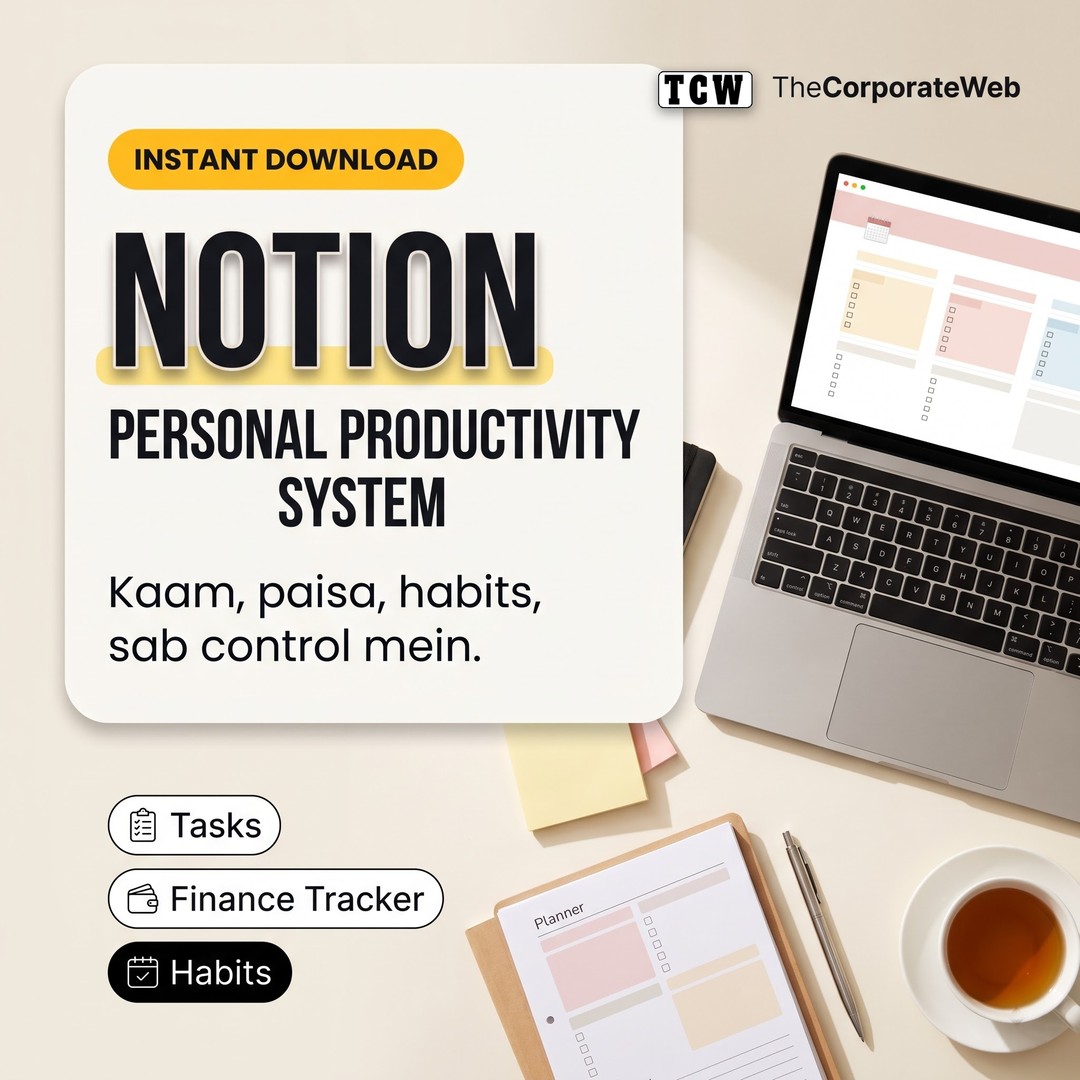
If you want to compare your structure against a personal planning set, the Personal Productivity Notion Bundle includes student, life, finance and freelancer planners. Treat it as a reference for planning your own work, not as material to resell; the templates you sell should be designed by you.
Notion’s own help centre explains databases, views and sharing settings in detail, so keep it open while you build.
How to share your template safely
Every sale on a Notion template marketplace depends on one feature: letting a buyer copy your page into their own workspace without editing your original.
- Keep a master copy. Build in your workspace, then make a separate copy that you share with buyers. Your working draft stays private.
- Publish the shareable copy. In the page’s share settings, publish it to the web and turn on the option that lets visitors duplicate it as a template. Make sure editing by others is switched off.
- Deliver the link only after payment. Do not post the link publicly. Your checkout or thank you email should send it.
- Plan for updates. When you improve the template, update the shared copy. Buyers who duplicated earlier keep their old version, so email them a short note with the new link.
Someone can always forward a link, so whether you sell on a Notion template marketplace or your own store, give real buyers reasons to buy directly: updates, a support email and a short video walkthrough.
Choosing a Notion template marketplace as an Indian seller
Your choice of Notion template marketplace mostly comes down to payments, fees and how much control you want.
- Notion’s own template gallery and marketplace. Buyers already browse here, which helps discovery. Check the current rules for paid listings and whether payouts are supported for Indian sellers before you plan around it.
- Gumroad and similar global platforms. Good for selling to international buyers in dollars. Confirm current payout options for India and the fee per sale.
- Instamojo, Topmate and other Indian storefronts. Simple pages with UPI checkout that suit Indian buyers and work well as a link in bio.
- Your own website. WordPress with WooCommerce and a gateway like Razorpay gives full control and lets you collect emails. The product can be a small file containing the duplicate link and instructions, delivered automatically after payment.
Many sellers list on two channels: an Indian storefront for UPI buyers and a global Notion template marketplace for international ones. Our guide on how to start a business online covers the basics of running a small online store.
Notion template marketplace checklist before you list
Run through this list before any template goes live on a Notion template marketplace or your own store.
- The duplicate link works from a logged out browser and from a different Notion account.
- Editing is switched off on the shared copy, and your master copy is private.
- Sample entries are clearly marked and easy to delete.
- The “Start here” page explains every section in plain words.
- Screenshots or a short video show the template on both laptop and phone.
- The listing says who it is for, what is inside and whether any paid Notion feature is needed.
- Your licence line is clear: personal use for the buyer, no resharing or reselling.
Writing a listing that sells
On a busy Notion template marketplace, the listing does most of the selling before anyone duplicates your page.
- Title: name the buyer and the job, such as “NEET revision tracker for Notion” rather than “Ultimate study system”.
- First line: state the result in one sentence, for example “Track every chapter, test and revision round in one dashboard.”
- What is inside: list the pages and views as short bullet points.
- Preview: add three or four clear screenshots and one short screen recording.
- Support: say how buyers can reach you if something does not work.
Pricing in rupees and dollars
- Price for the buyer, not the hours. A student revision tracker and a freelancer CRM serve very different budgets.
- Keep Indian prices accessible. A first purchase from a new seller feels safer at a modest price. Set dollar prices separately for an international Notion template marketplace rather than converting rupees directly.
- Offer one free template. A small, genuinely useful freebie builds trust and an email list.
- Bundle when you have three or more. Related templates together, such as a student planner plus exam tracker plus habit tracker, give buyers a reason to spend more.
Marketing your listing without ads
Even the best Notion template marketplace will not send you buyers on day one. Plan to bring your own traffic at first.
Instagram and YouTube Shorts
Record your screen while using the template: setting up a study week, logging an expense, moving a reel from idea to posted. Real use sells better than static screenshots.
Pinterest works well for planners and aesthetic dashboards. Make tall pins with a clear title like “UPSC study planner in Notion” and link to your product page or your Notion template marketplace listing.
Reddit and communities
Share helpful tips and free versions in communities about productivity, studying or Notion, following each group’s rules on self promotion. Spamming links gets you banned quickly.
Your own free sample
Give away one smaller template in exchange for an email, then send helpful tips and a gentle mention of the full version. Later, if buyers ask how you build your systems, you can turn that into a course; Launch Your Online Course explains that path step by step.
Mistakes new Notion sellers make
- Copying a popular template. Rebuilding someone else’s design and listing it on a Notion template marketplace can get your listing removed and damages your name. Design your own.
- Too many features. A template that tries to run a whole life is hard to learn. One clear job sells better.
- No onboarding. Without a “Start here” page, buyers feel lost and ask for refunds.
- Ignoring mobile. Wide tables and nested toggles can be painful on a phone.
- Listing once and forgetting. Update screenshots, answer reviews and improve the template every few months.
A simple 4 week launch plan
- Week 1: pick one buyer and one routine, check demand, and sketch the pages on paper.
- Week 2: build the template, add sample entries and the “Start here” page, and test it on a phone.
- Week 3: set up one Indian storefront and one Notion template marketplace listing, then run the checklist above.
- Week 4: post three or four short screen recordings, share a free mini version, and reply to every question.
Expect slow sales at first. Most sellers improve a template several times before it finds steady buyers, so treat the first month as a test, not a verdict.
Templates work best as one of several income sources rather than the only one. See our post on streams of income for how they fit with others. Once you understand how one Notion template marketplace works for one audience, the same process repeats for the next.
Notion template kaise banaye: quick recap
- Ek specific problem chuniye, jaise exam revision ya client tracking
- Home page, databases aur instructions page ke saath template banaiye
- Duplicate link sirf payment ke baad bhejiye
- Reels aur Pinterest par template ko use karte hue dikhaiye
FAQs
Is it legal to sell on a Notion template marketplace?
Yes, selling templates you designed yourself is allowed, and many creators do it openly. Do not copy another creator’s template, and avoid using brand logos or images you do not have rights to. Make sure your own licence terms are clear to buyers.
Which Notion template marketplace is best for Indian sellers?
There is no single best one. An Indian storefront with UPI suits buyers in India, while a global Notion template marketplace helps you reach buyers abroad. Check current payout support for Indian bank accounts before you commit to any platform.
Do buyers need a paid Notion plan?
Most templates work on Notion’s free plan, which is enough for personal use. Some advanced features or large team workspaces may need a paid plan. Mention clearly on your product page if your template depends on any paid feature.
How do I deliver a Notion template after payment?
Publish a separate copy of the template with duplication allowed, then send that link through your platform’s automatic delivery or thank you email. On your own website, you can sell a small file containing the link and instructions as a downloadable product.
Which templates sell the most?
Templates that fit a specific, repeated routine tend to sell best, such as study planners, content calendars, finance trackers and freelancer CRMs. Check what people search for and ask about before building. A focused template for one group usually beats a general one for everybody.