

About this bundle
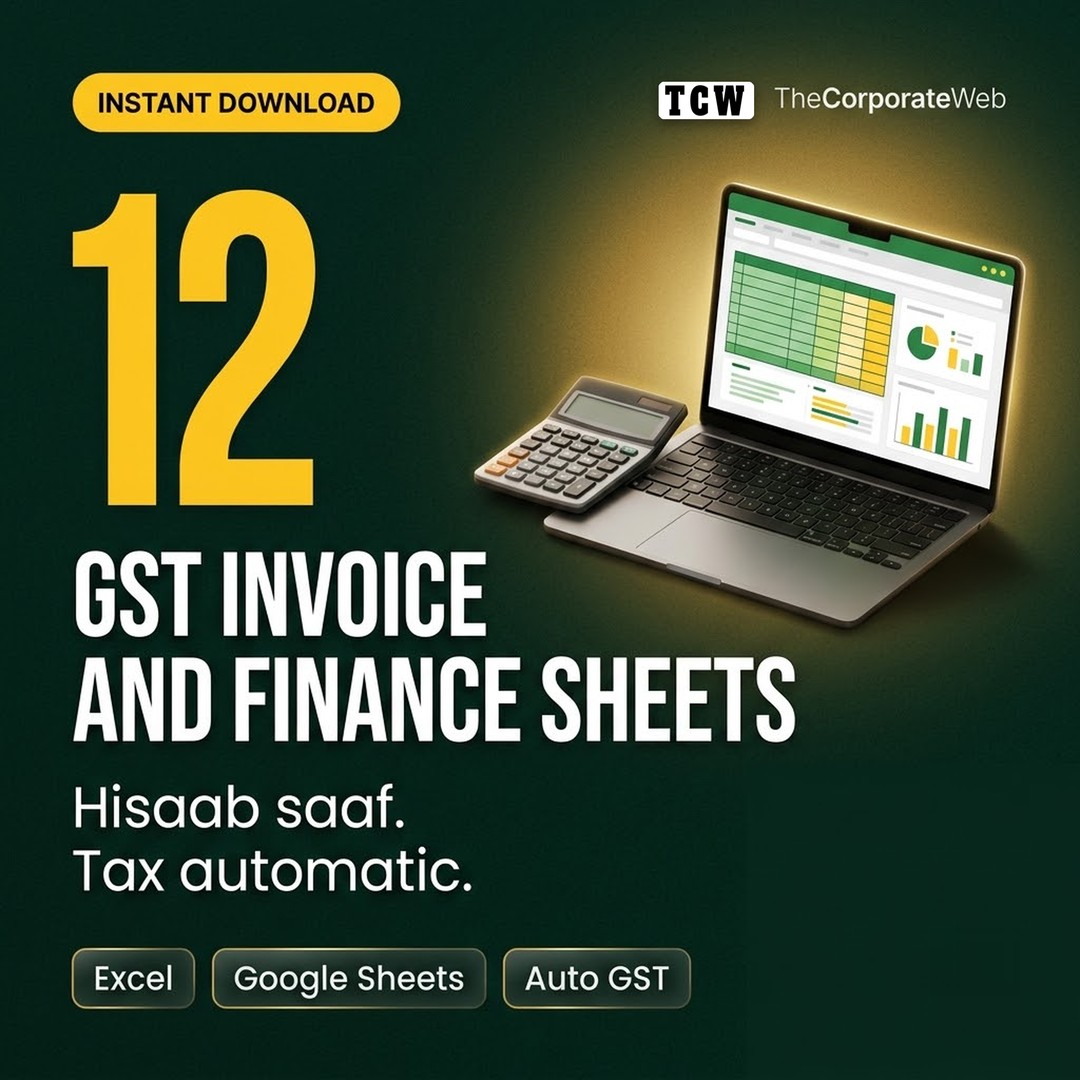
This GST invoice format Excel pack gives small businesses 12 ready sheets with working formulas. Pick same state or other state on the invoice and the CGST, SGST or IGST lines calculate on their own. The same pack covers quotations, purchase orders, expenses, profit and loss, cash flow, stock and customer dues.
What's inside the GST invoice format Excel pack
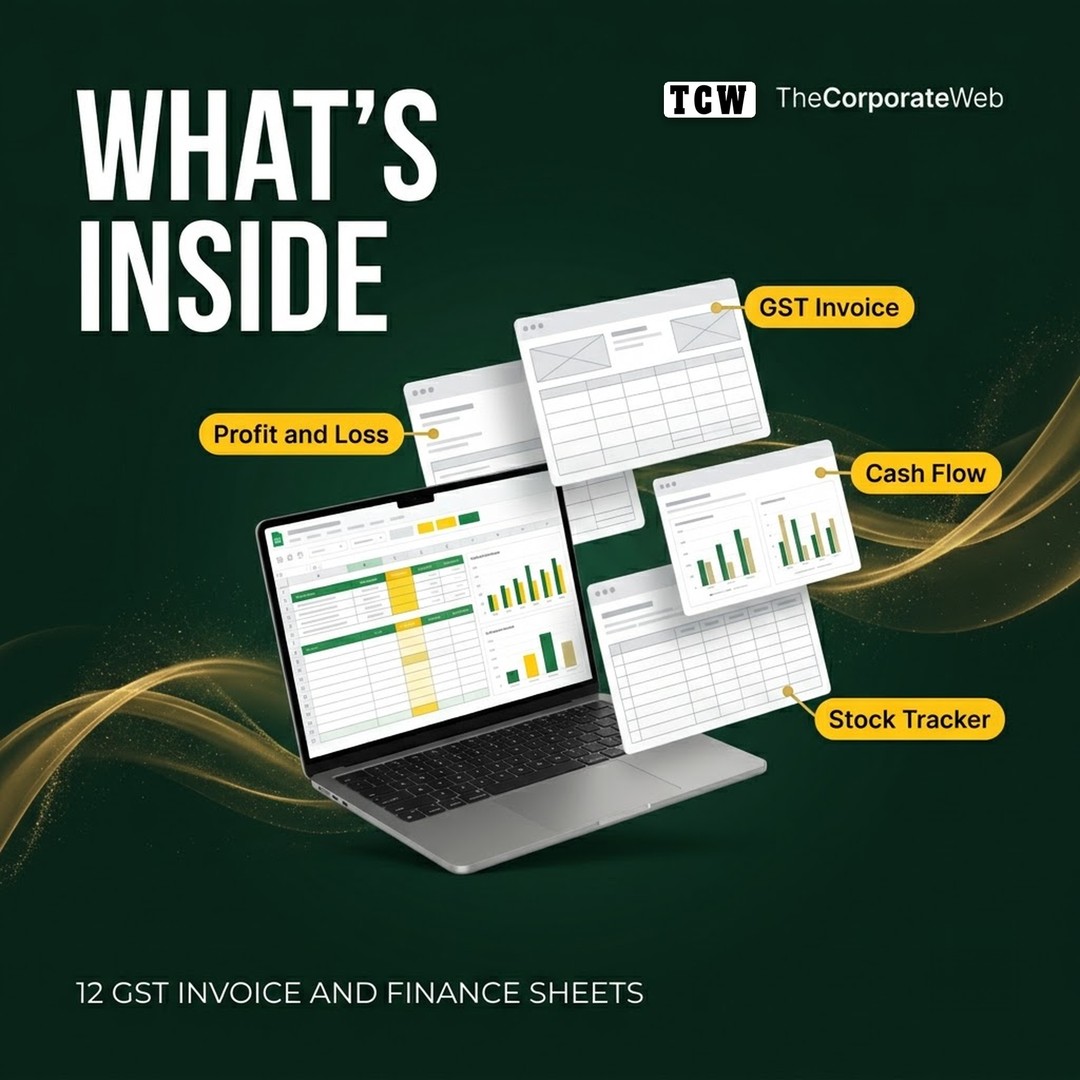
GST tax invoice with HSN or SAC, per line GST rate and automatic CGST, SGST or IGST
Invoice format for businesses not registered under GST
Quotation with GST, purchase order and delivery challan
Monthly expense tracker with input GST column, and an income tracker with payment status
Monthly profit and loss statement for the April to March financial year, with net margin
Weekly cash flow planner that carries the closing balance forward
Inventory and stock tracker with reorder alerts and stock value
Customer ledger with balance due and days overdue, plus a break even and pricing calculator
Who it is for
Shop owners, home businesses and online sellers
Freelancers and consultants who bill clients
Anyone who wants clean books before meeting their accountant
How to use the GST invoice template Excel files
Open the files in Microsoft Excel or upload them to Google Sheets. Type only in the input cells; totals, taxes and margins update by themselves. Check the HSN or SAC code and GST rate for your items with your accountant, and confirm return filing rules on the official GST portal. See the official GST portal for official details, and browse more business templates.
Why this gst invoice format excel pack saves you time
Small businesses often lose track of money because invoices, expenses and stock live in different notebooks and apps. These GST invoice format Excel sheets put the core records in one place, with formulas that do the arithmetic for you. Fill the white input cells and the sheets calculate taxable value, CGST, SGST or IGST, totals, profit, margin, cash balance, stock value and days overdue, so you spend minutes, not hours, on your books.
Tips to get the most from your gst invoice format excel
Start with the GST invoice: add your business name, address, GSTIN and bank details once and save it as your master invoice.
Number invoices in one continuous series, for example INV 001, INV 002, and never reuse a number.
Enter expenses on the same day you pay them and note whether the bill shows GST, so input tax is easy to find later.
Look at the profit and loss sheet once a month. If margin falls for two months in a row, check pricing and your biggest cost lines first.
Use the cash flow planner every Monday. A closing balance lower than one month of expenses is a signal to chase dues or delay spending.
Share the expense and income sheets with your accountant every month instead of a bag of bills at year end.
Frequently asked questions
Do the GST formulas work for same state and other state sales?
Yes. Choose Same state for CGST plus SGST, or Other state for IGST, in the supply type cell. The tax columns change on their own.
Can I change the GST rate per item?
Yes. Each invoice line has its own GST percent cell, so you can use 5, 12, 18 or 28 percent as your item requires. Confirm the right rate and HSN or SAC code with your accountant.
Will these sheets work in Google Sheets?
Yes. Upload the files to Google Drive and open them with Google Sheets; the formulas keep working.
Is this a replacement for accounting software or a CA?
No. The sheets help you keep clean daily records. For GST returns, audits and tax filing, work with your accountant and the official GST portal.
Which financial year does the profit and loss sheet use?
The Indian financial year, April to March, with a column for each month and a year total.
What do I get after buying the gst invoice format excel pack?
Right after payment you get a PDF on the order page, by email and in My Account. It links to a Google Drive folder with every file of the gst invoice format excel pack, which you can download as a zip or copy into your own Google Drive.
How you receive it
- Pay securelyUPI, cards or net banking by Razorpay.
- Get your linkOn the order page right away, and by email.
- Download anytimeFrom My Account, Downloads. Lifetime access.
Licence: Commercial use
- Allowed: Use the files in your own and your clients' posts, videos and products, including paid work.
- Not allowed: Reselling, sharing or uploading the files themselves.
Questions
How will I receive it?
Right after payment the download link appears on the order page and is emailed to you. It also stays in My Account under Downloads.
Can I use it for my business or clients?
Licence: Commercial use. Allowed: Use the files in your own and your clients' posts, videos and products, including paid work. Not allowed: Reselling, sharing or uploading the files themselves.
Do I get lifetime access?
Yes. Download it whenever you need it from My Account, on phone or computer.
What if the download does not work?
Message us on WhatsApp (messages only, no calls) or email support@thecorporateweb.in and we will sort it out quickly. Message on WhatsApp
Which payment methods can I use?
UPI, debit and credit cards, and net banking, processed securely by Razorpay.























Reviews
There are no reviews yet.