
About this bundle
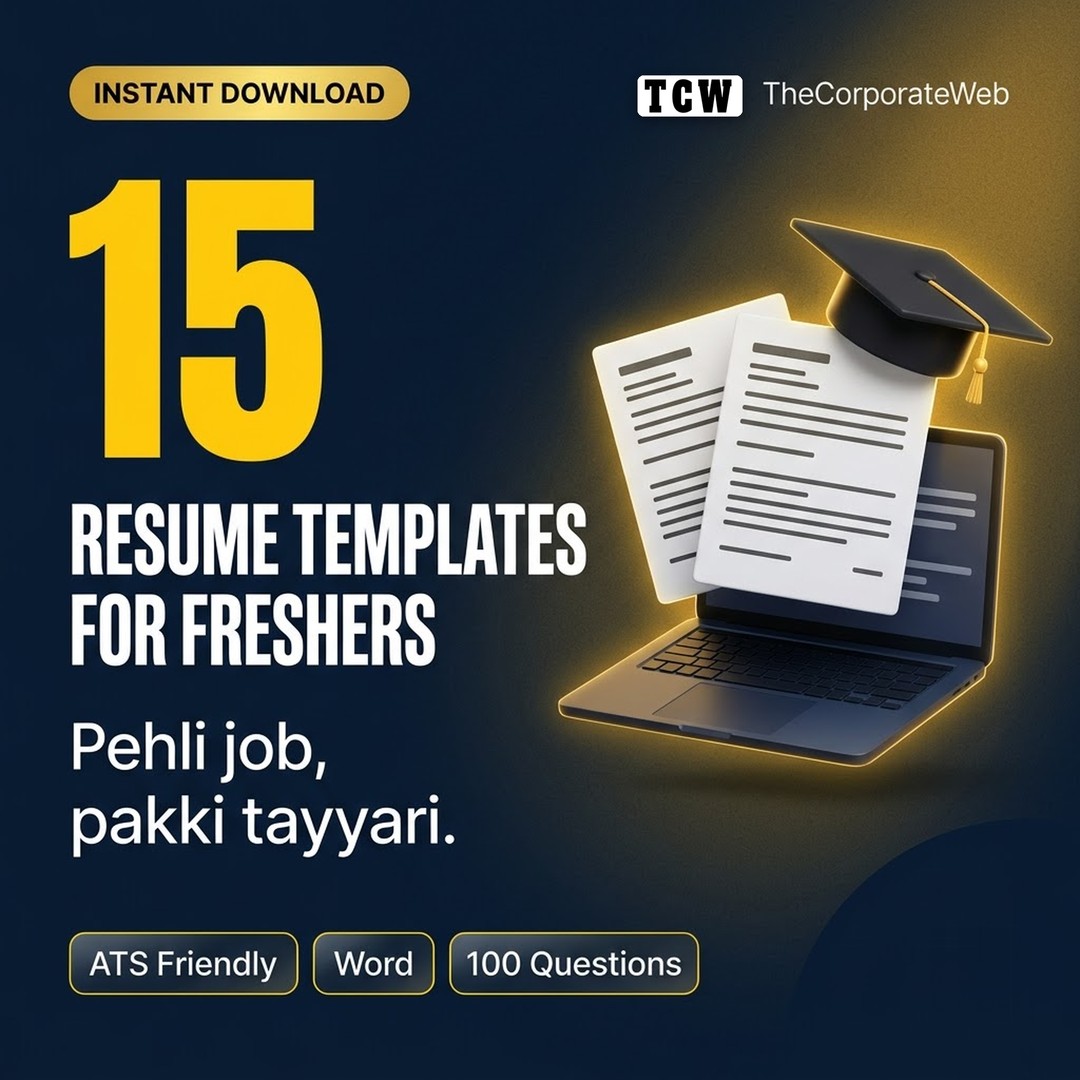
These resume templates for freshers come in 15 ATS friendly Word layouts, one for each popular entry level role, with sample lines that show you what a strong point looks like. The kit adds 10 cover letters and a guide to 100 interview questions with clear answer advice.
What's inside the resume templates for freshers kit
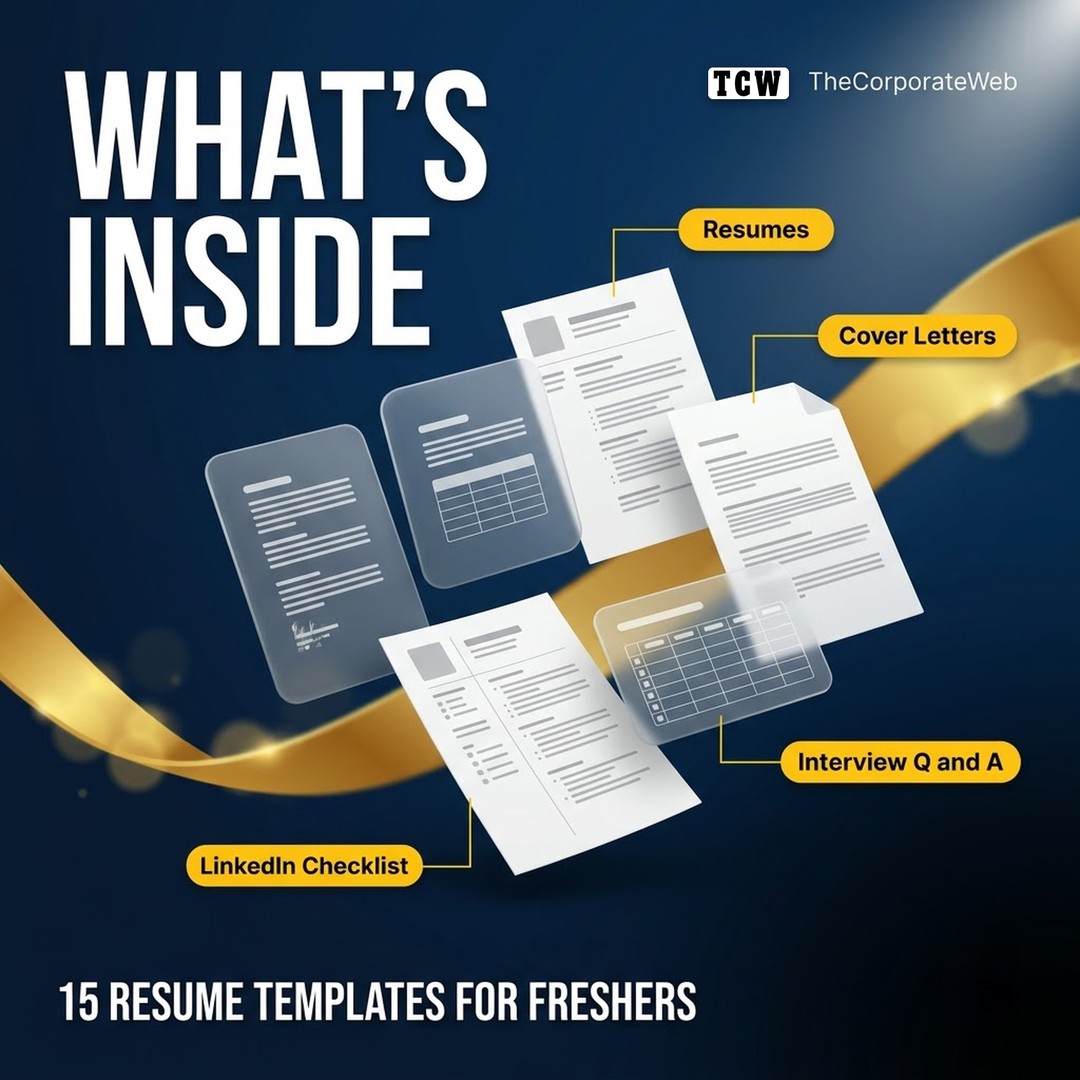
15 single column resumes that applicant tracking systems can read: software developer, data analyst, digital marketing, graphic designer, content writer, sales, customer support, accountant, HR, mechanical, civil, teacher, banking, operations and video editor
Sample summary, skills and project lines for each role, to replace with your own facts
10 cover letters: general, internship, software, marketing, sales, finance, career switch, referral, startup and government style
100 interview questions with answer guides: HR, behavioural and role basics
Tips for group discussions, phone and video interviews
A 10 point LinkedIn profile checklist
Who it is for
Final year students and fresh graduates
Anyone applying for their first or second job
Career switchers who need a clean, simple resume
How to use the interview questions for freshers with answers
Pick the resume for your target role, replace every sample line with your real projects and numbers, and save it as a PDF. For interviews, read each guide, write your own answer with a real example and practise it aloud. Never copy an answer word for word. See the National Career Service portal for official details, and browse more learning bundles.
Why this resume templates for freshers pack saves you time
Recruiters often spend only a few seconds on the first look at a resume, and many companies screen applications with software first. These resume templates for freshers use a clean single column that such systems can read, with clear headings and sample lines that show what a strong point looks like. The interview guide then helps you turn your projects and internships into confident, honest answers.
Tips to get the most from your resume templates for freshers
Pick the resume closest to your target role, then replace every sample line with your own facts. Never leave a sample line in the final file.
Add one number to every project or internship point: users, marks, money saved, time saved or rank.
Keep the resume to one page as a fresher, and save it as a PDF named Firstname Lastname Resume.
Tailor the summary and skills to each job description; recruiters notice when a resume matches the role.
Practise your answers aloud with a friend or record yourself. Aim for 60 to 90 seconds per answer.
Update your LinkedIn profile with the checklist before you start applying, because recruiters often check it.
Frequently asked questions
Are these resume templates ATS friendly?
Yes. They use one column, standard headings, no tables or text boxes and normal fonts, which applicant tracking systems read well.
I have no work experience. Will these work for me?
Yes. The layouts lead with your summary, skills, education, projects and internships, which is what freshers can show.
Are the 100 interview questions with answers word for word scripts?
No. Each question comes with an answer guide that tells you what to include. Write the answer in your own words with a real example, which interviewers trust more.
Can I edit the resumes in Google Docs?
Yes. They are Word files that open in Microsoft Word or Google Docs; save the final version as a PDF before you apply.
Which roles are covered?
Software developer, data analyst, digital marketing, graphic designer, content writer, sales, customer support, accountant, HR, mechanical engineer, civil engineer, teacher, banking, operations and video editor.
What do I get after buying the resume templates for freshers pack?
Right after payment you get a PDF on the order page, by email and in My Account. It links to a Google Drive folder with every file of the resume templates for freshers pack, which you can download as a zip or copy into your own Google Drive.
How you receive it
- Pay securelyUPI, cards or net banking by Razorpay.
- Get your linkOn the order page right away, and by email.
- Download anytimeFrom My Account, Downloads. Lifetime access.
Licence: Personal use
- Allowed: Use it for your own learning, planning and projects.
- Not allowed: Reselling, sharing or redistributing the files.
Questions
How will I receive it?
Right after payment the download link appears on the order page and is emailed to you. It also stays in My Account under Downloads.
Can I use it for my business or clients?
Licence: Personal use. Allowed: Use it for your own learning, planning and projects. Not allowed: Reselling, sharing or redistributing the files.
Do I get lifetime access?
Yes. Download it whenever you need it from My Account, on phone or computer.
What if the download does not work?
Message us on WhatsApp (messages only, no calls) or email support@thecorporateweb.in and we will sort it out quickly. Message on WhatsApp
Which payment methods can I use?
UPI, debit and credit cards, and net banking, processed securely by Razorpay.
















Reviews
There are no reviews yet.