
About this bundle
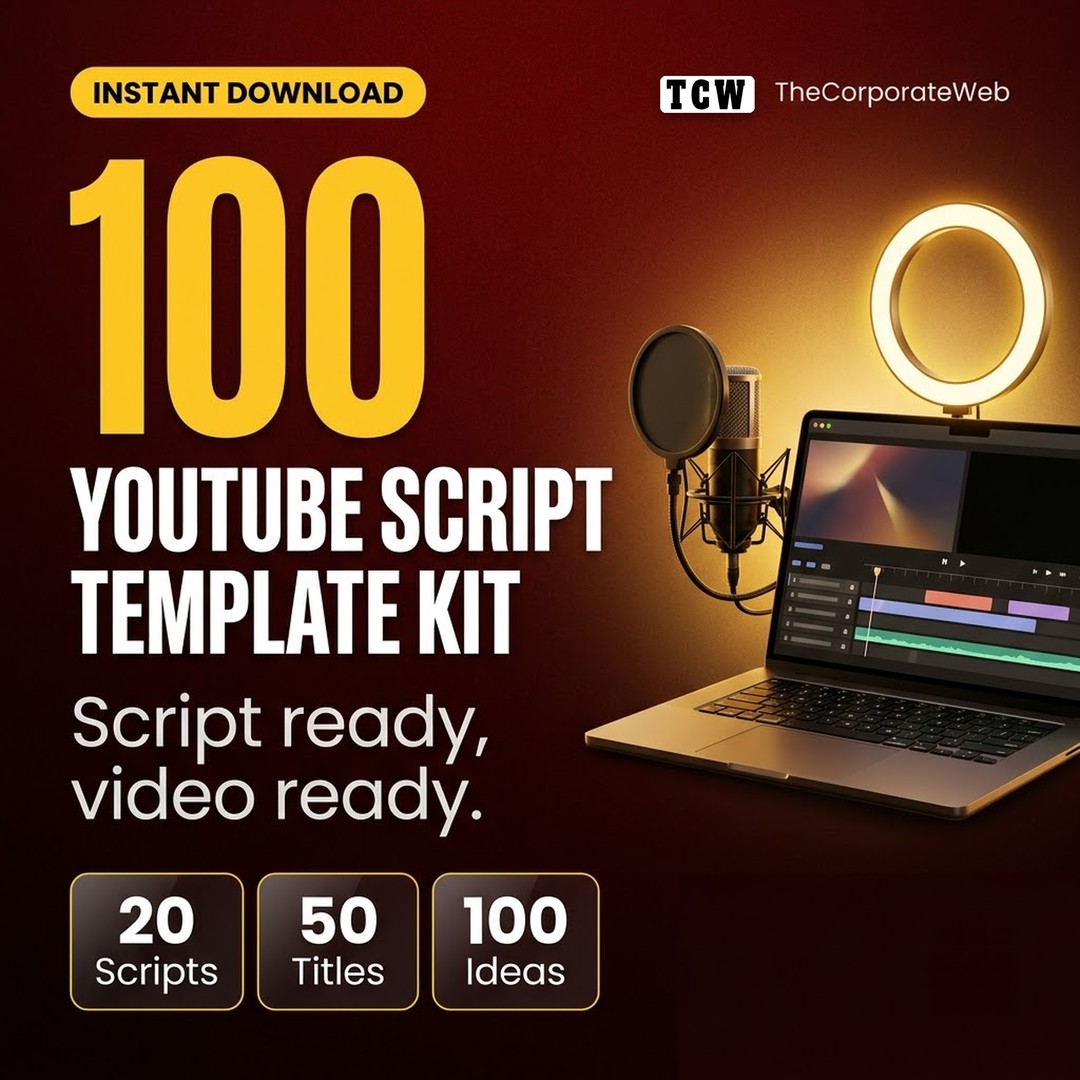
This YouTube script template kit helps you plan, write and publish videos faster. It has 20 script templates for every common video type, from tutorials and reviews to Shorts, plus title formulas, description templates, checklists and 100 video ideas for Indian creators.
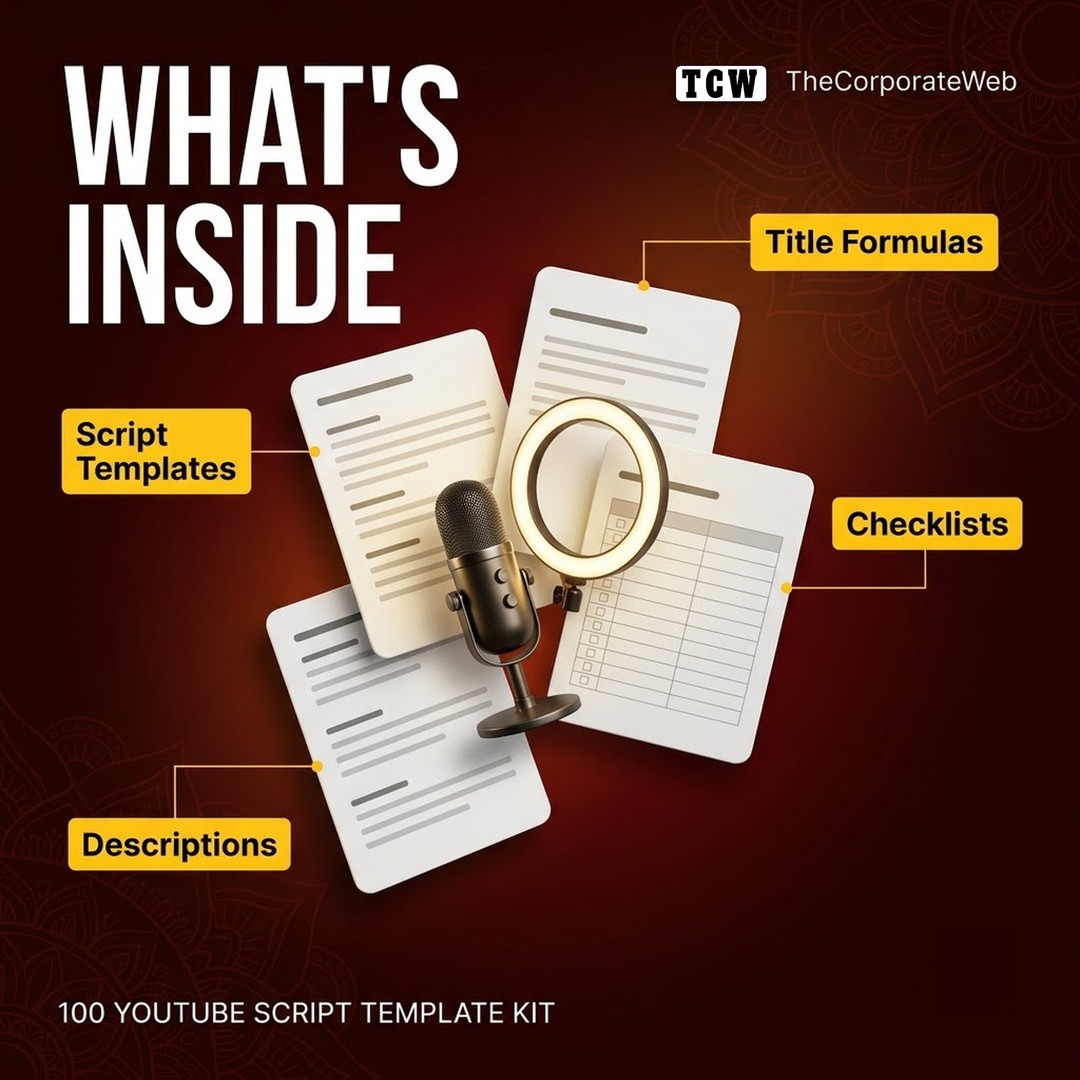
What's inside the YouTube script template kit
20 Word script templates: tutorial, listicle, review, comparison, story, explainer, day in the life, beginner's guide, myth versus fact, case study, challenge, interview, commentary, news, Q and A, vlog, recipe, Shorts, trailer and launch
50 title formulas you can fill in
10 description templates with timestamp layouts
An 8 point thumbnail checklist and a 12 point upload checklist
100 video ideas in 10 niches
An Excel video planner listing all 100 ideas with status columns
Who it is for
New YouTubers who want structure
Creators who post Shorts and long videos
Teachers, coaches and businesses starting a channel
How to use the YouTube video ideas and templates
Choose an idea, pick the matching script template, and write under each section. Draft three titles with the formulas, design the thumbnail with the checklist, and tick the upload checklist before you publish. See YouTube Creators for official details, and browse more creator learning bundles.
Why this youtube script template pack saves you time
Most new channels stall because every video starts from a blank page. This YouTube script template kit gives you a proven structure for the type of video you are making, title formulas to choose a strong title, a description layout with timestamps, and checklists so nothing is missed at upload. The 100 video ideas mean you always know what to film next.
Tips to get the most from your youtube script template
Pick the script template that matches your video type before you write a single line.
Write the hook last: once you know the payoff of the video, write a first line that promises it.
Draft three titles with the formulas and choose the one that is clear and specific, not just clever.
Use the description template so every video has a summary, timestamps and relevant links.
Tick the upload checklist every time; small steps such as end screens and pinned comments add up.
Plan your next ten videos from the idea list and keep the planner updated with the views after seven days.
Frequently asked questions
Which video types do the script templates cover?
Twenty: tutorial, listicle, review, comparison, story, explainer, day in the life, beginner's guide, myth versus fact, case study, challenge, interview, commentary, news, Q and A, vlog, recipe, Shorts, channel trailer and course launch.
Can I use the templates in Google Docs?
Yes. The scripts are Word files that open in Microsoft Word or Google Docs.
Are the video ideas for Indian creators?
Yes. The 100 ideas cover personal finance, tech, education, fitness, cooking, business, freelancing, travel, career and productivity for Indian viewers.
Does this kit work for YouTube Shorts?
Yes. It includes a Shorts script template and a short description format.
Will this guarantee views?
No tool can promise views. The kit helps you plan and publish better, more consistent videos, which is what you control.
Do I need expensive equipment to use this kit?
No. The templates help with planning and writing, which matter as much on a phone camera as on a studio setup.
Can I use the templates for client channels?
Yes. Use them for your own and your clients' channels. Please do not resell the template files themselves.
What do I get after buying the youtube script template pack?
Right after payment you get a PDF on the order page, by email and in My Account. It links to a Google Drive folder with every file of the youtube script template pack, which you can download as a zip or copy into your own Google Drive.
How you receive it
- Pay securelyUPI, cards or net banking by Razorpay.
- Get your linkOn the order page right away, and by email.
- Download anytimeFrom My Account, Downloads. Lifetime access.
Licence: Commercial use
- Allowed: Use the files in your own and your clients' posts, videos and products, including paid work.
- Not allowed: Reselling, sharing or uploading the files themselves.
Questions
How will I receive it?
Right after payment the download link appears on the order page and is emailed to you. It also stays in My Account under Downloads.
Can I use it for my business or clients?
Licence: Commercial use. Allowed: Use the files in your own and your clients' posts, videos and products, including paid work. Not allowed: Reselling, sharing or uploading the files themselves.
Do I get lifetime access?
Yes. Download it whenever you need it from My Account, on phone or computer.
What if the download does not work?
Message us on WhatsApp (messages only, no calls) or email support@thecorporateweb.in and we will sort it out quickly. Message on WhatsApp
Which payment methods can I use?
UPI, debit and credit cards, and net banking, processed securely by Razorpay.



















Reviews
There are no reviews yet.