
About this bundle
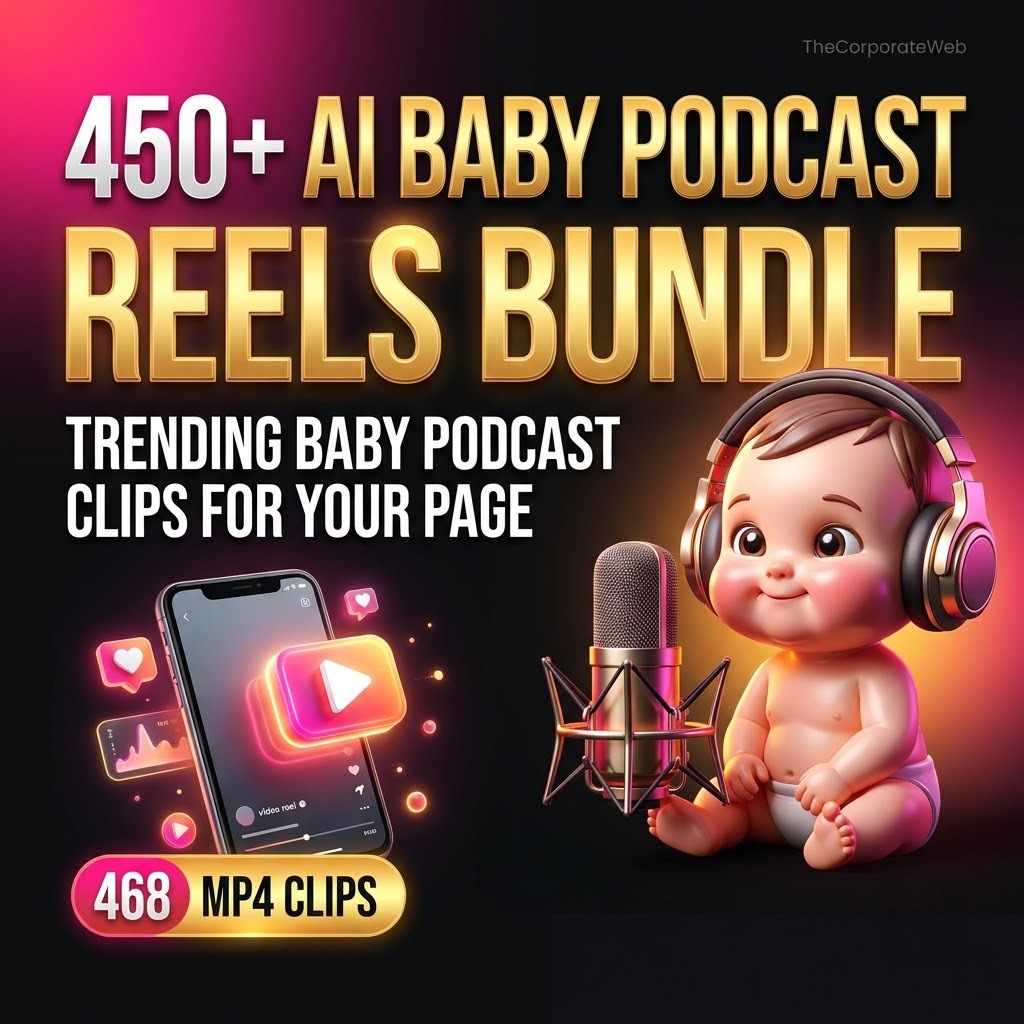
Quick answer: The 450+ AI Baby Podcast Reels Bundle is an AI baby podcast reels bundle that gives page owners 468 MP4 reels of cute baby characters in podcast, interview and stage style scenes. The clips sit in one Google Drive folder, and the PDF you get after payment holds the direct Open link. You pay Rs 99 against a list price of Rs 999. Open the folder, download the clips that fit your page and plan your posts, and check each clip before you post it.
What’s inside the ai baby podcast reels bundle
Baby Podcast AI reels
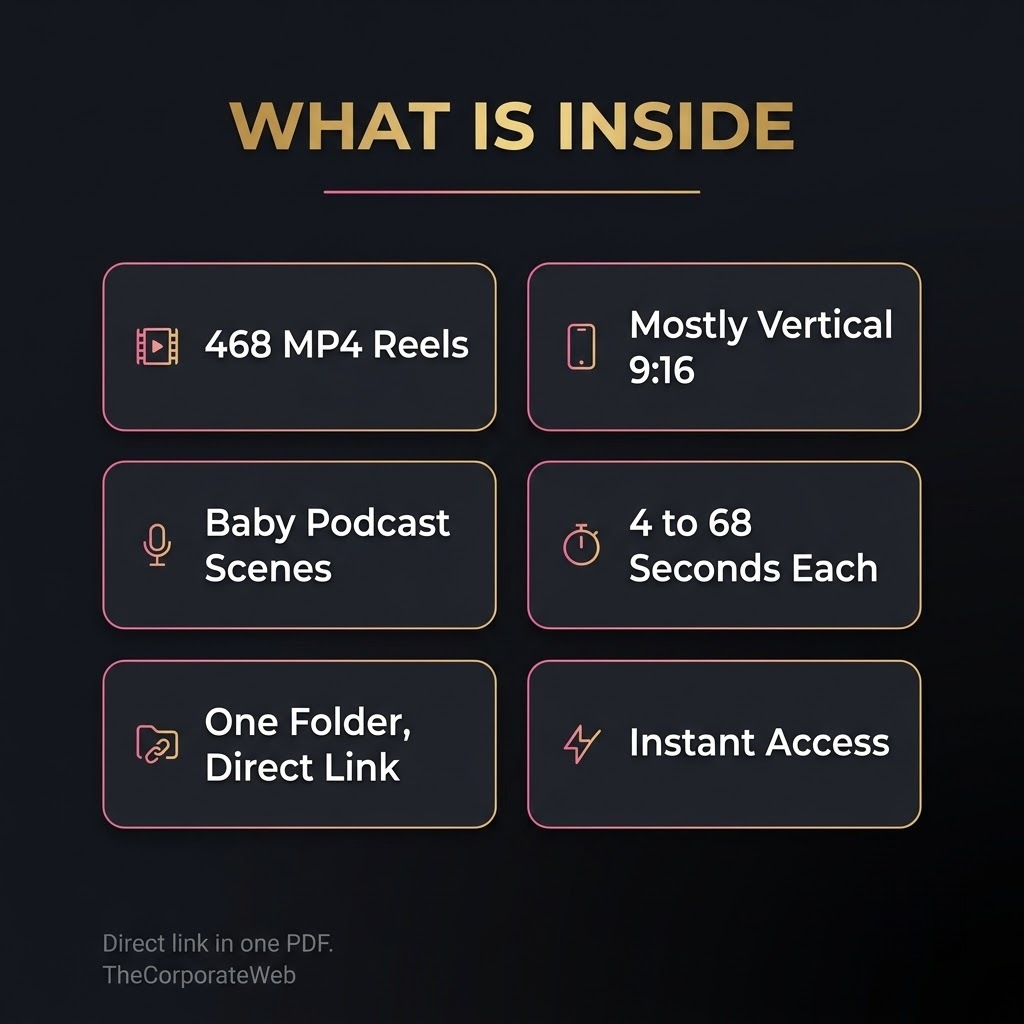
468 mp4 reels, 1.3 GB, checked on 18 Nov 2026. Baby characters in podcast, interview and stage style scenes, many in Indian clothing and settings. Most clips are vertical 720 x 1280, some are square 720 x 720, and they run from about 4 to 68 seconds, with a middle length near 19 seconds. You get one direct Open link to this folder in the PDF.
Who this ai baby podcast reels bundle is for
Theme page owners on Instagram, Facebook and YouTube Shorts who want funny, cute baby podcast reels without shooting or editing anything
Social media managers and freelancers who fill content calendars for several pages and need a large pool of short clips
Creators who want to test an AI baby podcast reels bundle idea on a new page before they spend time and money on making their own videos
How the ai baby podcast reels bundle helps you earn and grow
A page grows when it posts short clips on a steady schedule, and this AI baby podcast reels bundle helps with the supply side. You can use the clips on your own theme page, plan content for pages you manage for clients, or study the style before you make your own videos.
Some page owners build an audience first and then offer shout outs or services to local brands. No product can promise income, results depend on your effort and your market. The clips are raw material. Your captions, your posting times and the way you pick clips matter more than the files themselves, so treat the folder as a library to choose from.
How you get it and what you can do
Instant access: after payment the PDF with direct links appears on the confirmation page and in your email, and stays in My Account, Downloads
Licence: Use the files in your own and your clients’ work, including paid work. Please do not resell or share the files or the links.
Why this ai baby podcast reels bundle saves you time and money
Searching for short clips one by one across many pages costs hours every week, and every source has its own folder layout. This AI baby podcast reels bundle puts 468 MP4 reels in one Google Drive folder and gives you one PDF with the direct Open link.
The folder is shared from where it sits, so its owner can remove it, which is why you should download early what you need. Take only the clips that fit your page. The folder also holds a few image files next to the videos, so look for the MP4 files when you pick.
Open ten or fifteen clips first, because style and length change from clip to clip.
To learn how to grow a page and use Instagram features well, read Instagram for Creators. For more themes, see the reels bundles guide. To see how our delivery works before you buy, try the Free 10 Motivational Reels Sample, or look at the 4000+ Readymade Reels Pro Bundle.
Tips to get the most from your ai baby podcast reels bundle
Pick one tone for your page, such as funny, cute or story style, and choose clips that match it.
Download in small batches and keep a short list of your 30 best clips.
Check each clip for on screen text, usernames and logos before you post, and skip any clip you are not sure about.
Write your own caption in your own words and choose a cover frame that makes your posts look like your page.
Plan a week of posts from the AI baby podcast reels bundle in one sitting and schedule them, so you are not searching for clips every day.
A 7 day plan to start posting with your ai baby podcast reels bundle
Day 1: choose what your page is about. A page that posts every kind of video finds it hard to build an audience. Decide on one tone for the page, such as funny, cute or story style, and write one line that says who the page is for.
Day 2 and 3: open the folder and download a small batch. Watch about 40 clips on your phone and mark the ones you like. Note the length of each clip, because the 468 reels run from about 4 to 68 seconds, with a middle length near 19 seconds.
Day 4 and 5: build a simple calendar. Plan one reel a day for the first week and write a short caption for each clip in your own words. Use the same posting time for a few days so you can compare results fairly.
Day 6 and 7: post and look at your numbers. Check which clips got more views, shares and saves. The AI baby podcast reels bundle gives you the supply, and learning about your audience starts with what you see in your own page insights. If you miss a day, do not worry. A steady page is built over weeks, not in one week.
How to pick clips from the ai baby podcast reels bundle
The folder holds 468 MP4 reels, about 1.3 GB in total. Going by the format details that Google Drive shows for each file, 357 clips are vertical, 107 are square and 4 are wider than tall. Vertical clips fit Reels and Shorts without any change.
Square clips can still be used. Place them on a vertical canvas in a free editing app, add your page name above or below, and they fill the screen. Wider clips need a background or a crop, so most page owners start with the vertical ones.
Most clips are 720 x 1280, which suits phone screens. A small number are a little smaller. Play a clip full screen before you pick it, and leave out any clip that looks soft or carries text you do not want on your page.
The folder also has a few image files next to the videos. Look for files that end in mp4 when you build your list. A short list of your first 30 clips keeps you focused and keeps your page looking consistent.
Using an ai baby podcast reels bundle on Instagram, Facebook and YouTube Shorts
The same clip can work on three platforms, but each platform has its own habits. On Instagram, a reel with a clear first second and a short caption usually reads best. On Facebook, people often watch with the sound off, so a caption that explains the joke helps. On YouTube Shorts, a short title that names the idea works well.
Keep your posts unique on each platform. Change the caption and the cover frame instead of copying the same post everywhere. This also gives you a fair way to see which platform suits the AI baby podcast reels bundle clips best for your page.
Mind the length. The clips in this folder run from about 4 to 68 seconds. Platforms change their maximum reel length from time to time, so check the current limit before you post a long clip. If a clip is too long, trim it in a free editing app and keep the best part.
Sound matters for podcast style clips. Play each clip with the sound on before you post, and decide if you want to keep the original sound or add a caption and a short voice line of your own.
How to grow a theme page with an ai baby podcast reels bundle
A large library does not grow a page by itself. Growth comes from choosing good clips, posting at regular times and writing captions that invite people to react. Keep your page consistent so followers know what to expect from you.
Mix your formats. Post a reel, then a story that points to it, then a short caption post. An AI baby podcast reels bundle lets you test many clips without hunting for new files each day, so you can spend your time on captions and replies.
Keep notes. Try two or three posting times for two weeks and keep the one that gets the most reactions. Your own page data is more useful than any general advice about the best time to post.
Read Instagram's own guidance for creators too. Features and rules change often, and the official pages are the best place to check them.
How to serve clients with an ai baby podcast reels bundle
Many small pages and local brands want funny short clips but have no time to find them. You can offer a simple monthly posting plan: a set number of reels a week, a caption you write and a posting schedule you manage.
Choose clips that suit the client. A playful baby podcast clip can suit a kids shop or a family brand, while a serious business page may need a different style. Always show the client a sample week before you start, and ask for changes before you schedule the month.
Review every clip before it goes live. Drop anything with on screen text, usernames or logos that do not belong to your client, and anything the client would not be comfortable with.
Keep a short written agreement that lists the number of posts, the days you post and who owns the page account. It avoids confusion later and shows that you work in a professional way.
Mistakes to avoid with an ai baby podcast reels bundle
The first mistake is posting every clip as it is. If many pages post the same clip, yours looks like the rest. Write an original caption, change the opening words and add your page name so the post feels like yours.
The second is skipping the check. Some clips may carry on screen text, a creator username or a logo, and some may show a likeness of a real person. Look at each clip closely, and leave out any clip where you are not sure you can use it.
The third is hiding how a video was made. Instagram, Facebook and YouTube have rules about labelling content made with AI, so read the current rules and follow them on every post.
The fourth is downloading everything at once. Take one batch, use it for a few weeks and come back for more. The fifth is posting too much too early. Start with one good reel a day and raise the number when you see what works.
AI baby podcast reels bundle versus making your own videos
Making baby podcast style videos yourself needs an AI video tool, prompts, time for retries and editing. For one clip that is fine. For a page that posts every day, the time adds up quickly.
This AI baby podcast reels bundle costs Rs 99 against a list price of Rs 999 and gives you 468 clips in one folder, so you can start posting the same day. You still write the captions and choose the clips, and that part is what makes a page yours.
If you like the style, use the bundle to learn what works and later make a few clips of your own with the same ideas. The folder also works as a back up supply for days when you have no new video ready.
If you want other themes later, the reels bundles guide on our site compares all our reels packs by theme and price, and every product page lists exactly what is inside.
How to stay organised with an ai baby podcast reels bundle
A folder of 468 clips is easy to lose track of. Make a simple sheet with four columns: the file name, the date you posted it, the platform and a note on how it did. It takes a minute per clip and saves you from posting the same clip twice.
Download in batches of 30 to 50 clips and keep each batch in its own folder on your phone or computer. Name the batches by week, such as week 1 and week 2, so you always know what is ready to post and what is already used.
Once a month, look at your sheet. Keep the clips that got the most reactions and look for others in the folder with the same feel. Treat the AI baby podcast reels bundle as a library that you keep learning from, and your choices will get better each month.
Frequently asked questions
What is in the 450+ AI Baby Podcast Reels Bundle?
It has 468 MP4 reels of baby characters in podcast, interview and stage style scenes, in one Google Drive folder. Right after payment you get a PDF with the direct Open link to that folder.
How do I get the files?
Right after payment you get a PDF of direct links. It appears on the confirmation page and in your email, and stays in My Account under Downloads. Click Open to see the folder in Google Drive and download the clips.
How big is the AI baby podcast reels bundle?
The folder holds about 1.3 GB of MP4 files. Clips run from about 4 to 68 seconds, with a middle length near 19 seconds. You can download all of it or only the clips you need.
Are the clips vertical?
Most are. Of the 468 clips, 357 are vertical, 107 are square and 4 are wider than tall. Most vertical clips are 720 x 1280.
Are the clips really made with AI?
The source folder is named as AI baby podcast trending reels, and the clips look like AI made videos. We have not tested how each clip was made, so we describe them as collected AI trending reels. Check every clip before you post.
Is the folder stored by you?
No. The folder stays where it sits in Google Drive and is shared by its owner, who can remove it. Download early what you need.
Can I use the clips on my page or for clients?
Yes, you can use the clips from this AI baby podcast reels bundle on your own and your clients' pages, including paid work. Please do not resell or share the files or the links. Check each clip before you post.
Will this help me earn money?
The clips can help you run a page, offer a posting service or grow an audience. No product can promise income, and results depend on your effort and your market.
Do the clips have a watermark?
We do not promise that every clip is free of marks. Some clips may carry on screen text, a username or a logo from their creators. Open a few clips first and leave out any that you cannot use.
Is it good for beginners?
Yes. Pick one tone, download a small batch, plan a week of posts and start. The PDF has one direct link, so there is nothing complicated to set up.
Last updated: November 2026. Prices and contents are checked against the live store.
How you receive it
- Pay securelyUPI, cards or net banking by Razorpay.
- Get your linkOn the order page right away, and by email.
- Download anytimeFrom My Account, Downloads. Lifetime access.
Licence: Commercial use
- Allowed: Use the files in your own and your clients' posts, videos and products, including paid work.
- Not allowed: Reselling, sharing or uploading the files themselves.
Questions
How will I receive it?
Right after payment the download link appears on the order page and is emailed to you. It also stays in My Account under Downloads.
Can I use it for my business or clients?
Licence: Commercial use. Allowed: Use the files in your own and your clients' posts, videos and products, including paid work. Not allowed: Reselling, sharing or uploading the files themselves.
Do I get lifetime access?
Yes. Download it whenever you need it from My Account, on phone or computer.
What if the download does not work?
Message us on WhatsApp (messages only, no calls) or email support@thecorporateweb.in and we will sort it out quickly. Message on WhatsApp
Which payment methods can I use?
UPI, debit and credit cards, and net banking, processed securely by Razorpay.














Reviews
There are no reviews yet.