
About this bundle
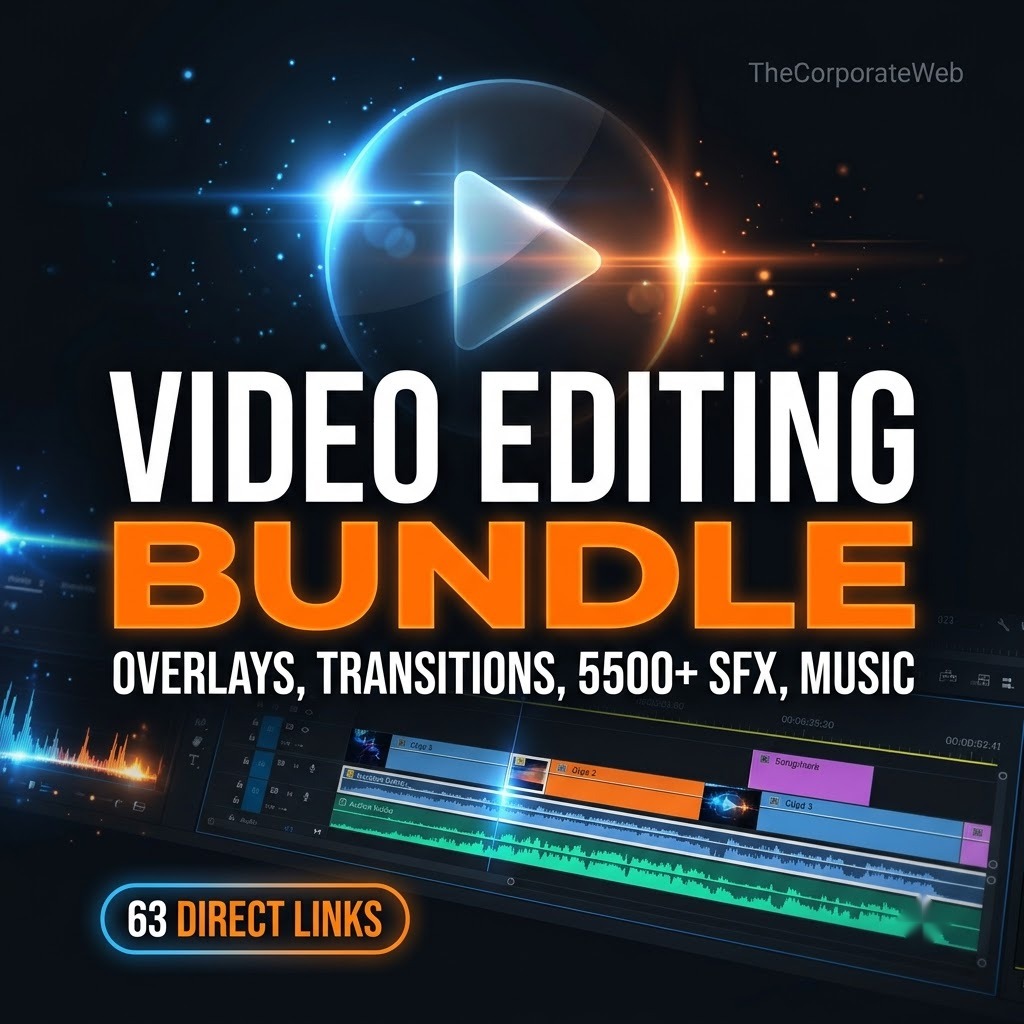
Quick answer: The Video Editing Bundle is a video editing bundle with the assets editors use every day: overlays and effects, titles and lower thirds, 5000+ transitions, 5000+ presets, colour grading LUTs, 5500+ sound effects, a 28 collection sound FX and soundtrack library, 100+ background music tracks, 14 YouTube thumbnail material folders, 665 studio backgrounds, font collections and 6200 PSD shapes. Everything is organised in one PDF with 63 direct links in 6 sections, so you open only the pack you need. The bundle is Rs 399 against a list price of Rs 999.
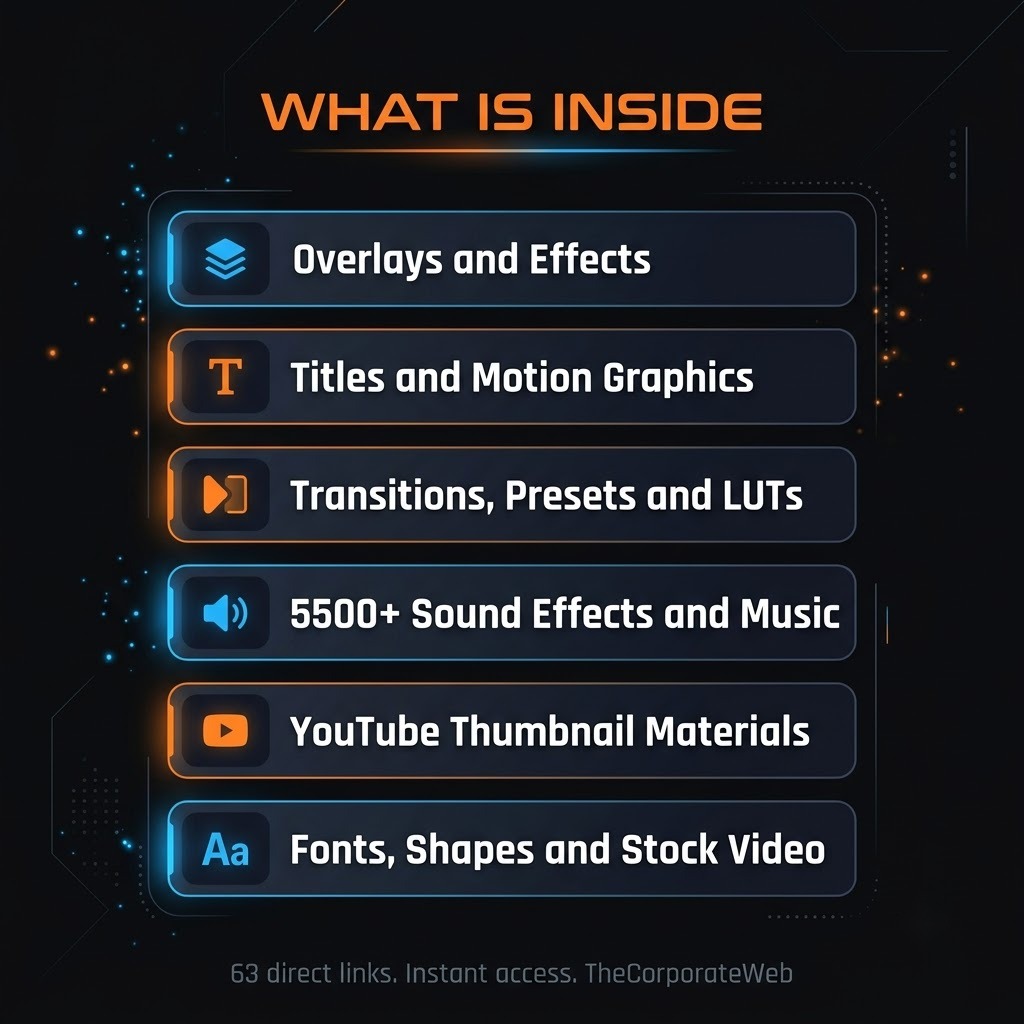
What’s inside the video editing bundle
Overlays and effects
4K cinematic film grains, dust and snow, fire sparks, lens and bokeh, light leaks, rain, smoke, camera view overlays and a glitch pack. This section of the video editing bundle holds 10 direct links. Highlights: 4K Cinematic Film Grains, Dust & Snow Particle Overlay, Fire Sparks, Lens & Bokeh Overlay, Light Leak Overlay, Rain Overlay, Smoke Overlay Pack, Camera Recording View Overlay, Glitch Pack, Glitch Package 1000.
Titles, lower thirds and motion graphics
Call outs, lower thirds, title animations, logo animations, motion graphic elements, animated emoji, wedding titles and invitations, background animations and YouTube motion graphics. This section of the video editing bundle holds 10 direct links. Highlights: Call Outs, Lower Third Pack, Title Animation Pack, Logo Animations, Motion Graphic Elements, Animated Imoji, Wedding Title Animation, 70+ Wedding Video Invitation, Background Video Animation, YouTube Motion Graphics.
Transitions, presets and colour grading
1000 and 4000 transition libraries, a transitions pack, Premiere Pro effects presets, 5000+ drag and drop presets and colour grading LUTs. This section of the video editing bundle holds 6 direct links. Highlights: 1000 Transitions for Premiere Pro, 4000 Transitions Library, Transitions Pack V2, Over 5000 Drag and Drop Presets, Premiere Pro Effects Preset, Color Grading Luts.
Sound effects and music
5500+ sound effects (MP3, WAV and more), a 3000+ sound effects mega pack, a large sound FX and soundtrack library, 100+ background music tracks and extra music and sound folders. This section of the video editing bundle holds 9 direct links. Highlights: 2240 SFX in MP3 format, 366 SFX in WAV format, 3K+ SOUND FX, FREEBIES, 3000+ Sound Effects Mega Pack, Sound FX and Soundtrack library (28 collections), Background music: 100+ tracks (MP3), Sound Effect, Background Music.
YouTube thumbnail materials
14 thumbnail material folders (gaming, fire particles, light strokes, overlays, smoke, emojis, backgrounds) and the Thumbnails Plus asset zips, plus 665 studio backgrounds. This section of the video editing bundle holds 24 direct links. Highlights: Abstract Thumbnail, Effect Thumbnail, Fire Particles 🔥, Gaming Thumbnail Materials, Light Stroke 🕯️, Thumbnail background🌃, Thumbnail emojis😜, Thumbnail graph 📊, Thumbnail light Png, Thumbnail Materials 😉, Thumbnail Overlays, Thumbnail particle, Thumbnail Smoke, Thumbnail stroke, Arrows, Backgrounds.
Fonts, shapes and stock video
Font collections, 3D font styles, 6200 PSD shapes and stock video collections. This section of the video editing bundle holds 4 direct links. Highlights: Fonts Collections, Stock Video Collections, 3D Font Styles, 6200 PSD Shapes.
Who it is for
YouTubers and Instagram creators who edit their own videos
Freelance video editors who need a ready asset library for clients
Students and beginners learning Premiere Pro, After Effects, DaVinci Resolve or CapCut
How you get it and what you can do
Instant access: after payment the PDF with direct links appears on the confirmation page and in your email, and stays in My Account, Downloads
Licence: Use the files in your own and your clients’ work. Please do not resell or share the files or the links.
Why this video editing bundle saves you time and money
Good editing is mostly the right assets at the right moment: a clean transition, a light leak, a hit sound, a title. Searching for them across many sites takes hours. This video editing bundle collects overlays, transitions, sound effects, music, thumbnail materials and fonts and presents them in six clear sections, each with direct links. Files stay in Google Drive, so you download only what your current project needs. Check the licence of any music before uploading to platforms that run content checks, and use sound effects and overlays as part of your own edited videos. To learn editing basics, see the free tutorials on Adobe Video and Audio on YouTube.
Tips to get the most from your video editing bundle
Download the packs for one project first: one transition pack, one SFX folder and one overlay set
Keep a folder on your computer named by pack so you can find assets fast
Use light leaks and film grain lightly so the edit still feels clean
Build a small SFX kit of 30 sounds you use every time
Use the thumbnail materials with Photoshop or Canva for faster YouTube thumbnails
A simple workflow with the video editing bundle
Most editors lose time not in cutting but in hunting for assets. The video editing bundle fixes that by giving you one organised PDF where every pack is one click away. Here is a workflow that works for short videos, YouTube videos and client edits.
Start with the cut. Finish the story first, without any effects. Then open the transitions section and pick one transition style for the whole video. One style looks professional, ten styles look messy.
Next add texture. Light leaks, film grain and dust overlays from the overlays and effects section give footage a cinematic feel. Keep the opacity low, between 20 and 40 percent, so the picture stays clean.
Then add titles. The titles section has lower thirds, call outs and title animations that you can drop on the timeline and edit. Match the title style to the mood of the video.
Finally add sound. Sound is half of the edit. Place a soft whoosh on every transition, a hit on every title and a low music bed under the voice. The sound effects and music section of the video editing bundle covers all three.
Video editing bundle for YouTube, Reels and client work
For YouTube creators, the thumbnail materials and the sound effects save the most time. Build thumbnails in Photoshop or Canva with the light strokes, fire particles, emojis and backgrounds, and use the sound library to keep your edits lively.
For Instagram Reels and YouTube Shorts, speed matters. Use the transitions and sound effects to make fast, punchy edits. If you also want ready made reels to repurpose, see our most bought reels bundle and the Creator Mega Pack, which pair well with this video editing bundle.
For freelancers, the bundle works as a starter asset library. Instead of buying separate packs for every client project, you keep one folder structure and reuse the same assets across projects, within the licence terms. That keeps delivery time short and your margin high.
Which packs to download first
The files are large, so you do not need to download everything on day one. A sensible order is one transitions pack, one sound effects folder, one overlay set and the font collection. That already covers most edits. Add the rest when a project needs it.
Because the packs are links to Google Drive, you can come back any time, download again and add more. Keep your own backup on an external drive for the packs you use often.
Video editing bundle compared with buying packs one by one
Marketplaces sell overlay packs, transition packs and sound libraries separately, and each one can cost more than this whole video editing bundle. Here you get all six sections together for Rs 399 against a list price of Rs 999. You also get a clear structure, so you spend your time editing and not searching.
The bundle does not include paid software. You edit in the app you already use, such as Premiere Pro, After Effects, DaVinci Resolve, Final Cut or CapCut, and bring the assets in like any other file.
File formats you will meet in the video editing bundle
Overlays and stock video usually come as MP4 or MOV files. Sound comes as MP3 or WAV. Thumbnail materials come as PNG and PSD files. Fonts come as TTF or OTF files. Presets and LUTs are made for a specific app, so read the folder name before you download and pick the ones for your software.
If an overlay has a black background, set its blend mode to Screen or Add and it will glow over your footage. If it has a green background, use a chroma key effect to remove the green. Both tricks take under a minute.
How to keep your assets organised
Make one folder per section: overlays, titles, transitions, sound, thumbnails and fonts
Rename the packs you use most with a short clear name
Keep a favourites folder with your top 20 sounds, 10 overlays and 5 transitions
Save your editing project with the assets next to it, so links never break
Delete the packs you do not use after a month to free space
Common mistakes when you edit with ready made assets
The first mistake is using too many effects. Good editing is invisible, so use one transition style, one overlay look and a steady sound mix. The second mistake is loud music over speech. Keep music about 15 to 20 decibels under the voice. The third mistake is ignoring the licence. Use the sound effects and overlays inside your own edited videos, and check the licence of any music before you upload to a platform that runs content checks.
Who gets the most value from this video editing bundle
Beginners get a complete starter library in one place and learn by trying each type of asset. YouTubers and Reels creators get faster edits and better thumbnails. Freelance editors and small agencies get a shared asset base for every client, which keeps their style consistent and their turnaround short.
A 7 day plan to level up your edits with the video editing bundle
Day 1: download one transitions pack and one sound effects folder, and rebuild your last video with them. Day 2: add one overlay look, such as light leaks or film grain, and compare the result with the original. Day 3: replace your titles with a lower third and a title animation from the bundle.
Day 4: make a sound effects kit of 30 favourites and save it as a preset folder. Day 5: build a thumbnail template using the thumbnail materials and use it for your next three videos. Day 6: try a colour grading LUT on one clip and adjust the strength until the skin tones look natural. Day 7: export a short version for Reels or Shorts and publish both versions.
After one week you will know which parts of the video editing bundle you use most. Keep those close and archive the rest.
Sound design tips that make edits feel professional
Layer two or three sounds for every important moment: a soft whoosh before a cut, a hit on the cut and a short tail after it. Keep the sound effects quiet under speech, and let them stand out only when there is no voice. Use room tone or a quiet ambience under the whole video so silent gaps do not feel empty.
For music, choose a track that matches the speed of your cuts. A calm track under fast cuts feels off, and a busy track under a slow story feels tiring. The sound library and the 100+ background music tracks in the video editing bundle give you enough choice to match almost any mood.
Thumbnails and titles that help your videos get clicked
A good thumbnail has one clear subject, high contrast and very few words. Use the light strokes and fire particles to make the subject stand out from the background, and use the emojis and arrows from the thumbnail folders to point at what matters. Keep the same style on every thumbnail so viewers recognise your channel at a glance.
The same rule applies to titles on screen. Use short lines, big text and one accent colour. The title animations in the video editing bundle already follow this style, so you can edit the text and move on.
Why one video editing bundle is easier than many separate downloads
Assets spread over many sites mean many logins, many licences and many broken links. This video editing bundle gives you a single PDF with 63 direct links in six sections. You see the whole library at once, you pick what fits the project, and you keep a clear folder structure on your computer.
Frequently asked questions
What is in the Video Editing Bundle?
Six sections: overlays and effects, titles and motion graphics, transitions presets and LUTs, sound effects and music, YouTube thumbnail materials, and fonts shapes and stock video, in 63 direct links.
Which editing software does it work with?
The assets work with Premiere Pro, After Effects, DaVinci Resolve, Final Cut, CapCut, Photoshop and Canva, depending on the file type.
How many sound effects are included?
5500+ sound effects in MP3 and WAV, a 3000+ sound effects mega pack, a sound FX and soundtrack library of 28 collections and 100+ background music tracks.
How do I get the files?
Right after payment you get a PDF with direct links grouped by section. Click Open to go to the files in Google Drive and download them.
Why are the files in Google Drive links and not one download?
The packs are very large, so we link to them in an organised list. You download only the packs you need, and you can download them again any time.
Do I need a paid editing app?
No. Many assets work in free editors such as CapCut and DaVinci Resolve. Some formats need Premiere Pro or After Effects.
Can I use the assets in client work?
You can use them in your own and your clients' videos. Please do not resell or share the files or the links.
Is it good for YouTube Shorts and Instagram Reels?
Yes. Overlays, transitions, sound effects and music suit short videos, and the thumbnail materials suit YouTube thumbnails.
Is it for beginners?
Yes. The sections are named by what the asset does, so a beginner can find a transition or a sound without searching.
How big are the files?
Some packs are several GB, for example the sound libraries, so download over a good connection and one pack at a time.
Last updated: November 2026. Prices and contents are checked against the live store.
How you receive it
- Pay securelyUPI, cards or net banking by Razorpay.
- Get your linkOn the order page right away, and by email.
- Download anytimeFrom My Account, Downloads. Lifetime access.
Licence: Commercial use
- Allowed: Use the files in your own and your clients' posts, videos and products, including paid work.
- Not allowed: Reselling, sharing or uploading the files themselves.
Questions
How will I receive it?
Right after payment the download link appears on the order page and is emailed to you. It also stays in My Account under Downloads.
Can I use it for my business or clients?
Licence: Commercial use. Allowed: Use the files in your own and your clients' posts, videos and products, including paid work. Not allowed: Reselling, sharing or uploading the files themselves.
Do I get lifetime access?
Yes. Download it whenever you need it from My Account, on phone or computer.
What if the download does not work?
Message us on WhatsApp (messages only, no calls) or email support@thecorporateweb.in and we will sort it out quickly. Message on WhatsApp
Which payment methods can I use?
UPI, debit and credit cards, and net banking, processed securely by Razorpay.

















Reviews
There are no reviews yet.